
Need Help Securing Your Website? Click Here
Cant Delete Hacker Files from Windows 2012 Server
How to Delete .cer or cryto extension files
So my server got hacked a few years ago and a virus was inserted into all of my www folders. I was able to use the antivirus software to remove the virus but there where some files left behind that the antivirus software could not remove. These files where dormant but they did not allow me to delete the folders they were in. I spent a lot of time researching how to remove them and called the server company for assistance. No one had the answer, so I have circled back around to remove these files. Here are the steps:
Step 1:
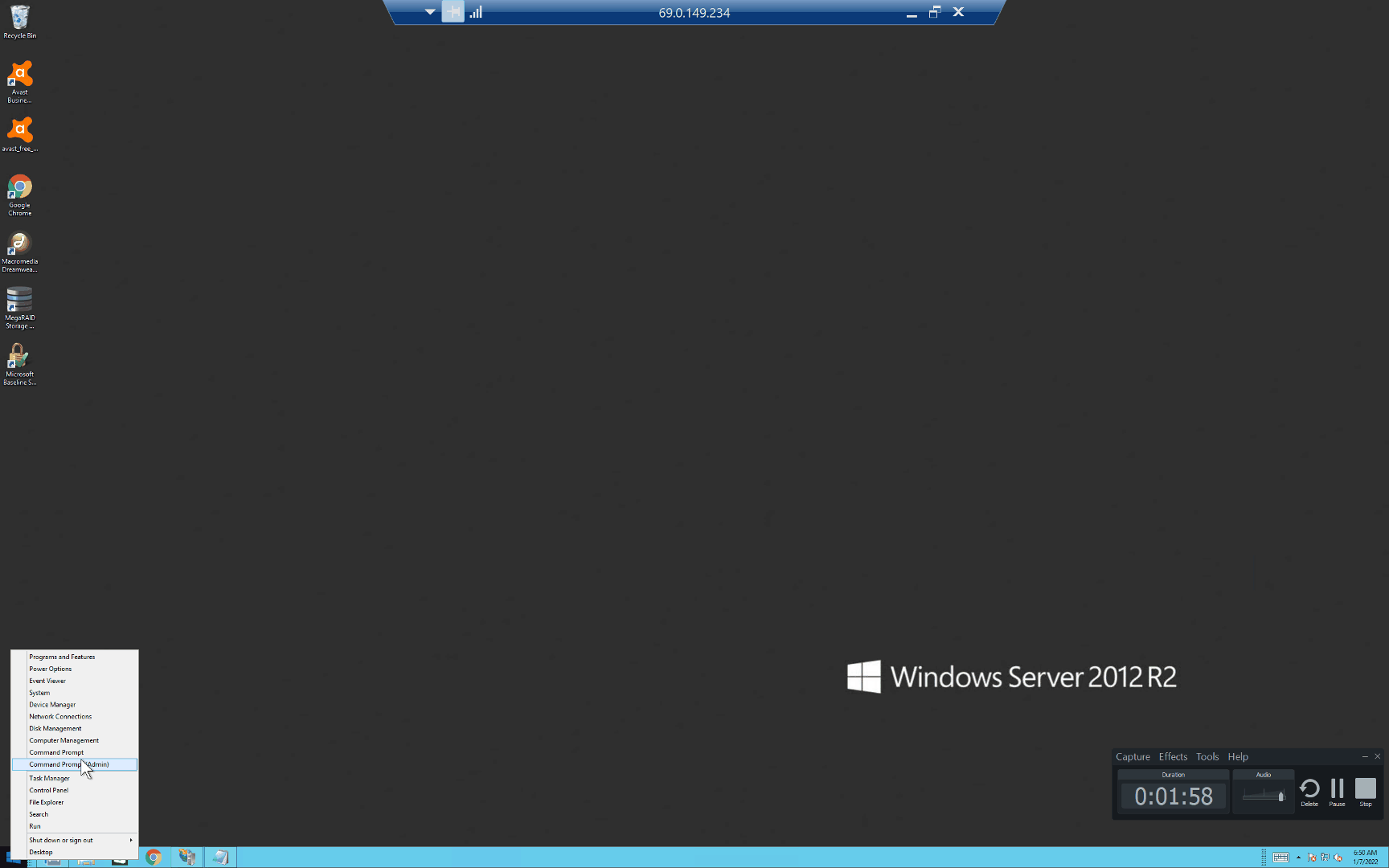
Login to your Windows 2012 (or other windows version) server and arrow to the bottom left corner of the desktop. Right mouse click on the menu and arrow up to "Command Prompt (Admin)" then select. This will put you into administrator mode and give you additional powers and permissions.
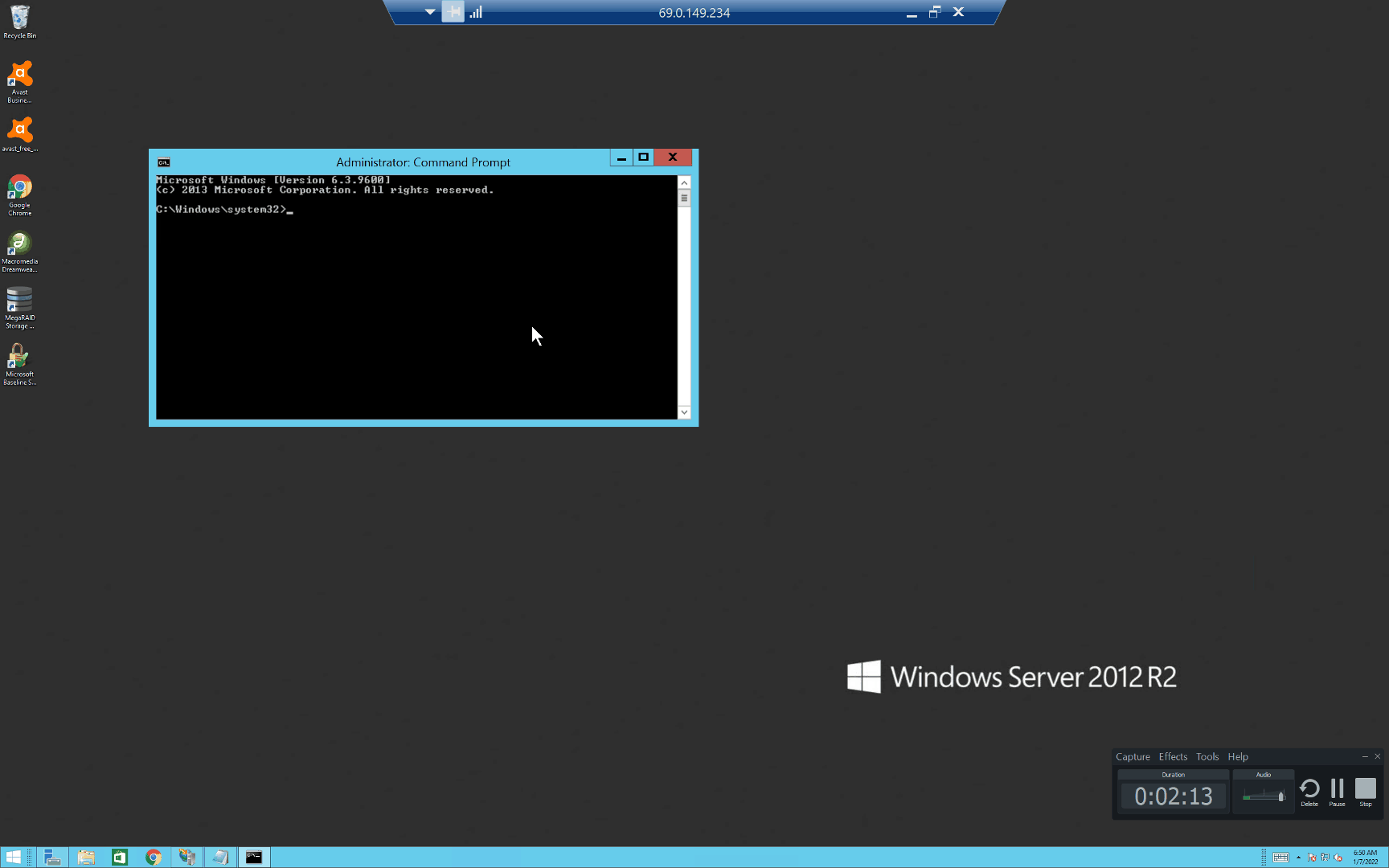
Note, the Administrator Command Prompt box should appear.
Step 2:
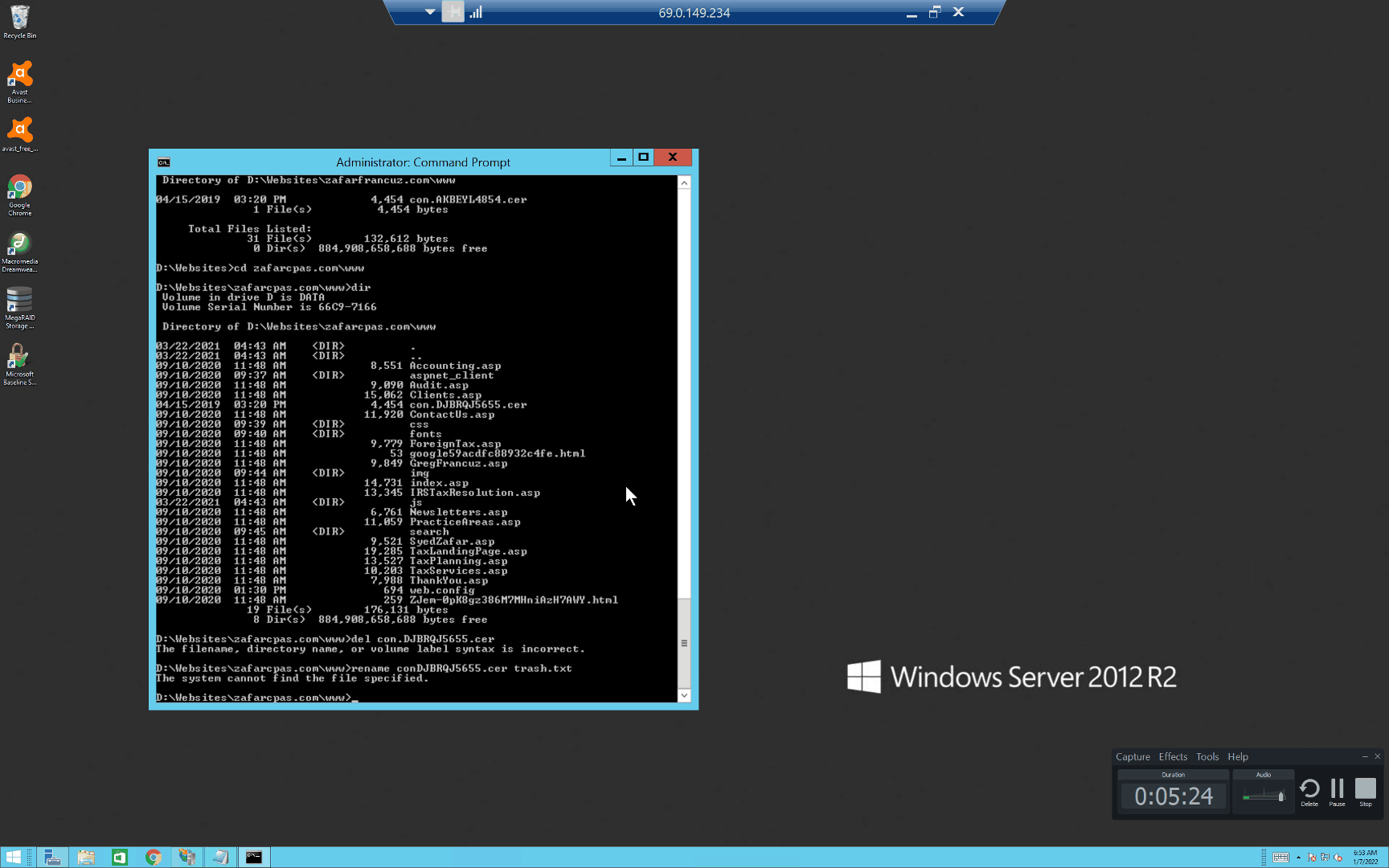
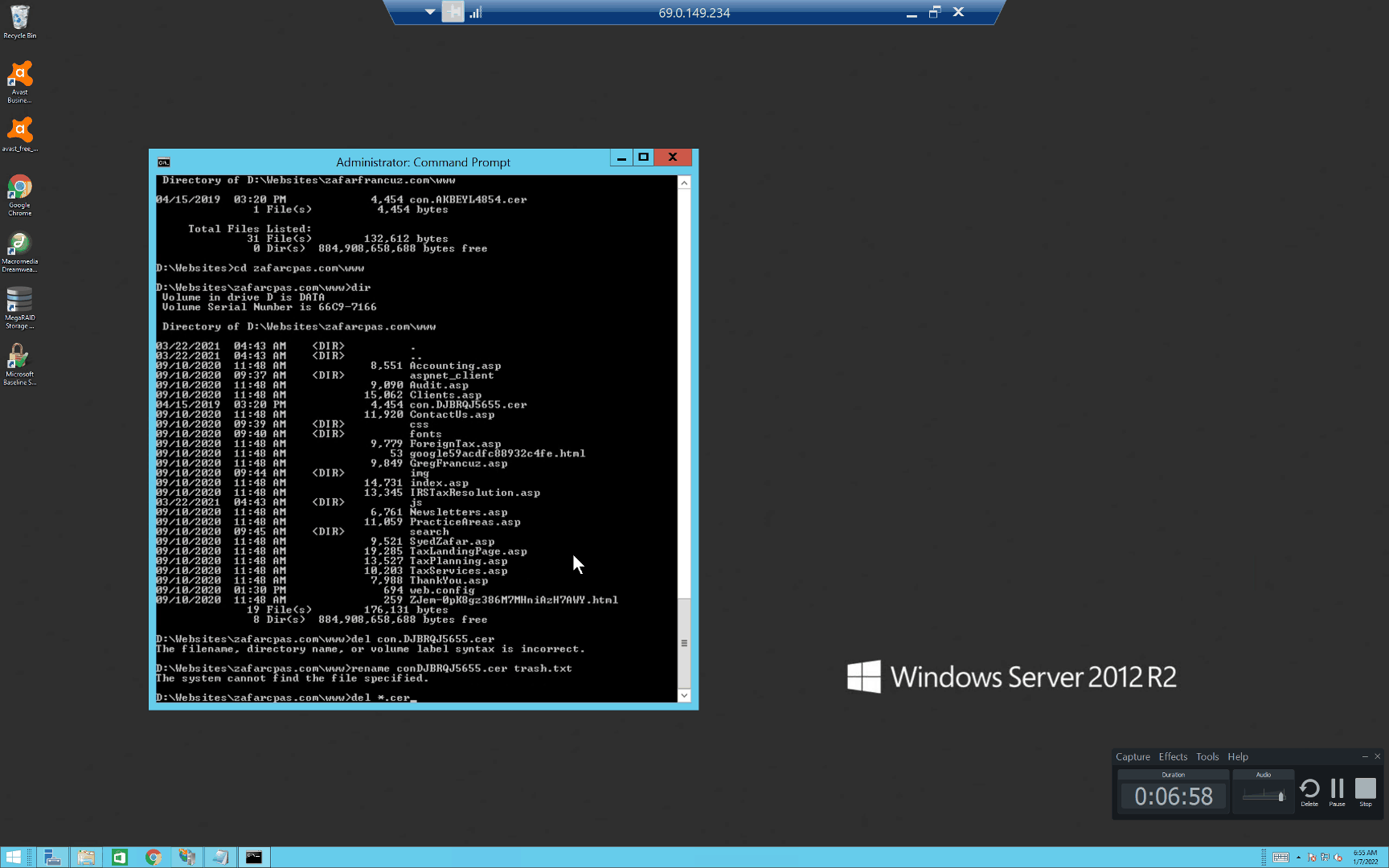
Change Drive and directory to where the target file is located. Then locate your file in my case it is con.DJBRQJ5655.cer. Your file name will be different and the file name mutates from 1 folder to the next.
Step 3:
Notice I tried del the file directly and I received a "The filename, directory name, or volume label syntax is incorrect" error. I also tried renaming the file and I got "The system cannot find the file specified" error.
Step 4:
The real problem is the double periods "." in the filename. It appears that Windows cant resolve that as a filename. Hence, it wont allow you to delete it because it does not know what it is.
So the answer becomes simple.
Type del *.cer so it does a wild card delete and as you see the file is deleted.
Step 5:
If you have multiple hacker files in multiple directories I would recommend you try the following command (be careful) "del /P /S *.cer" This will search each directory and request that you approve of the deletion of the file before actually deleting it.
Online Services IDM specializes in SEO and Internet Marketing. If you are looking to get more business from your website Give us a call at: 786 290 5955